Study first. Scroll second.
Block distracting apps. Turn your notes into questions. Answer three correctly to earn a scroll break.
A little learning before the scrolling.
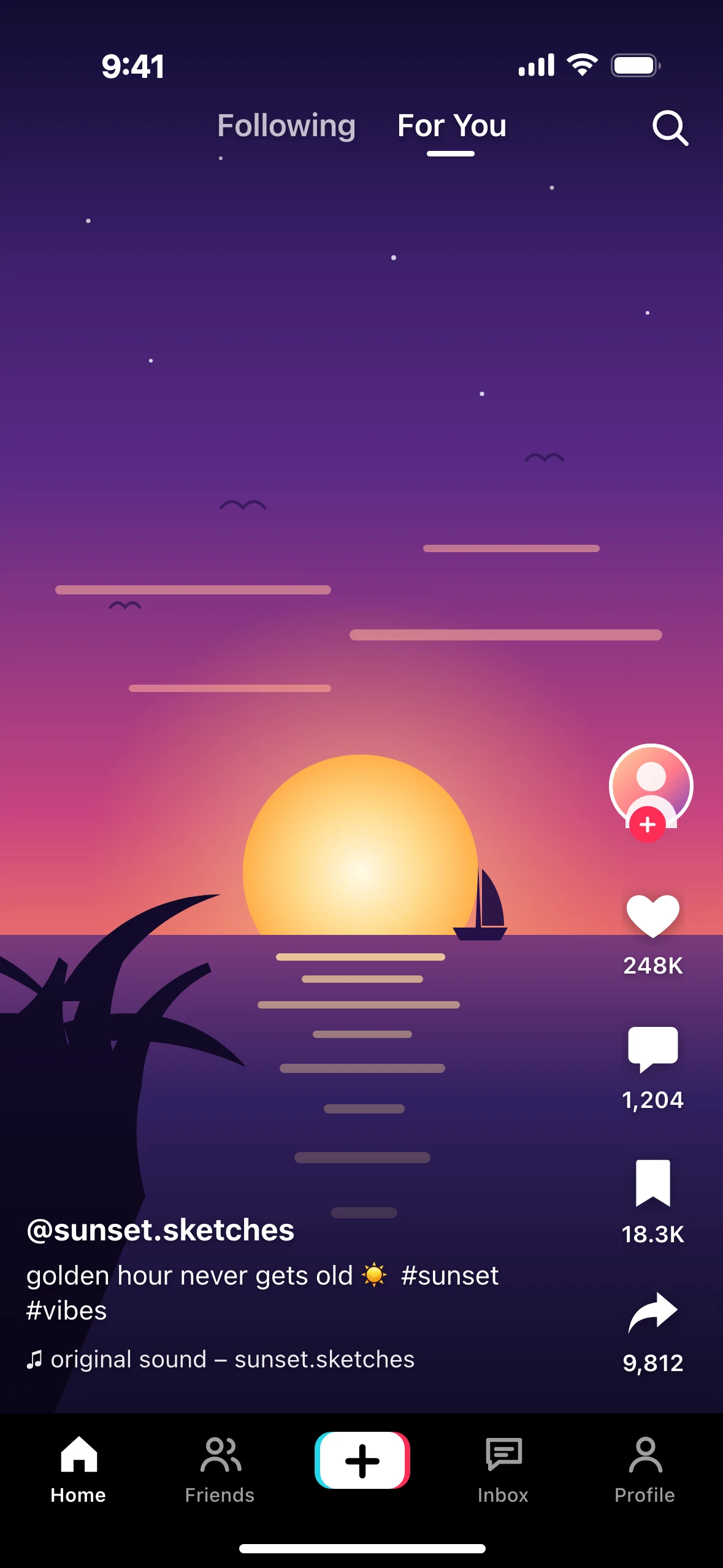
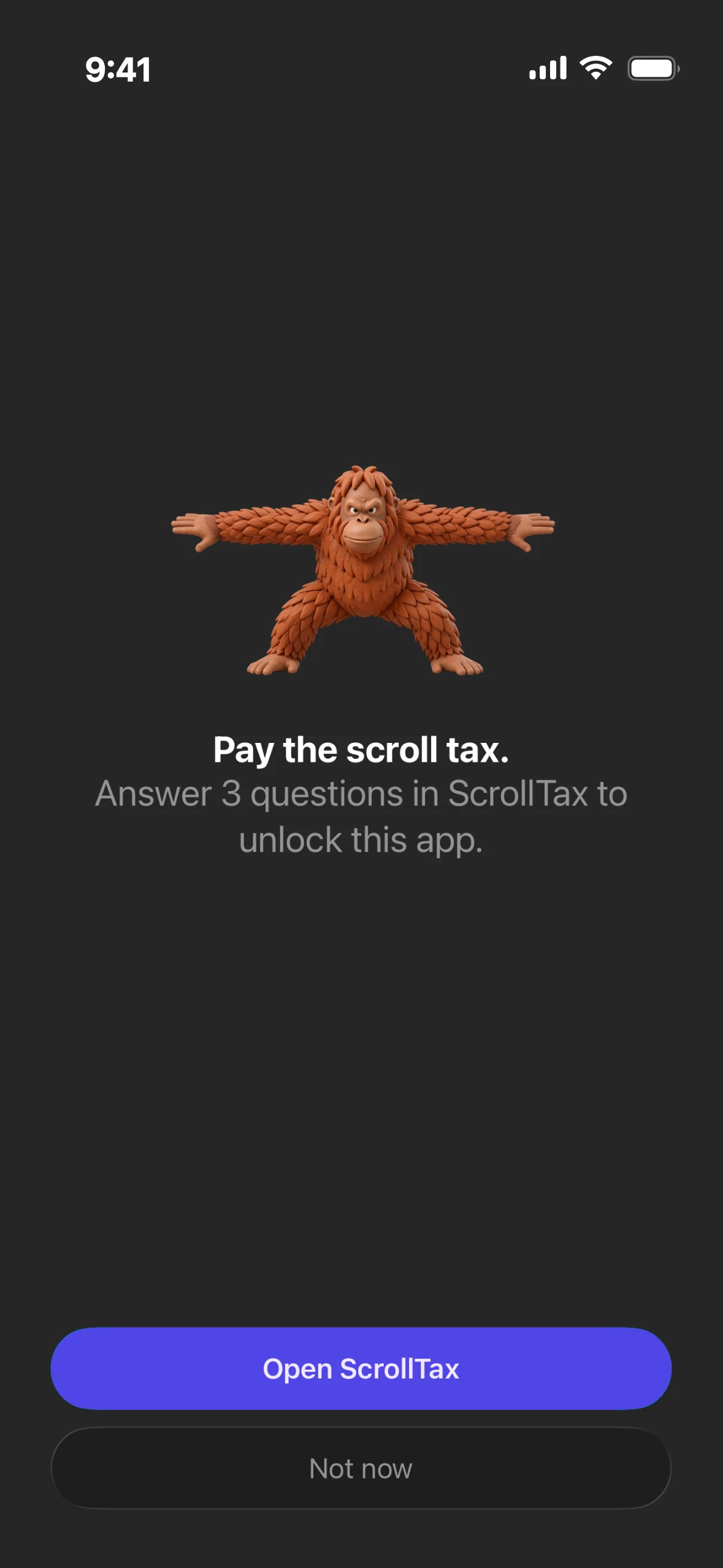


Choose your distractions.
Pick the apps you want to put behind a study break.
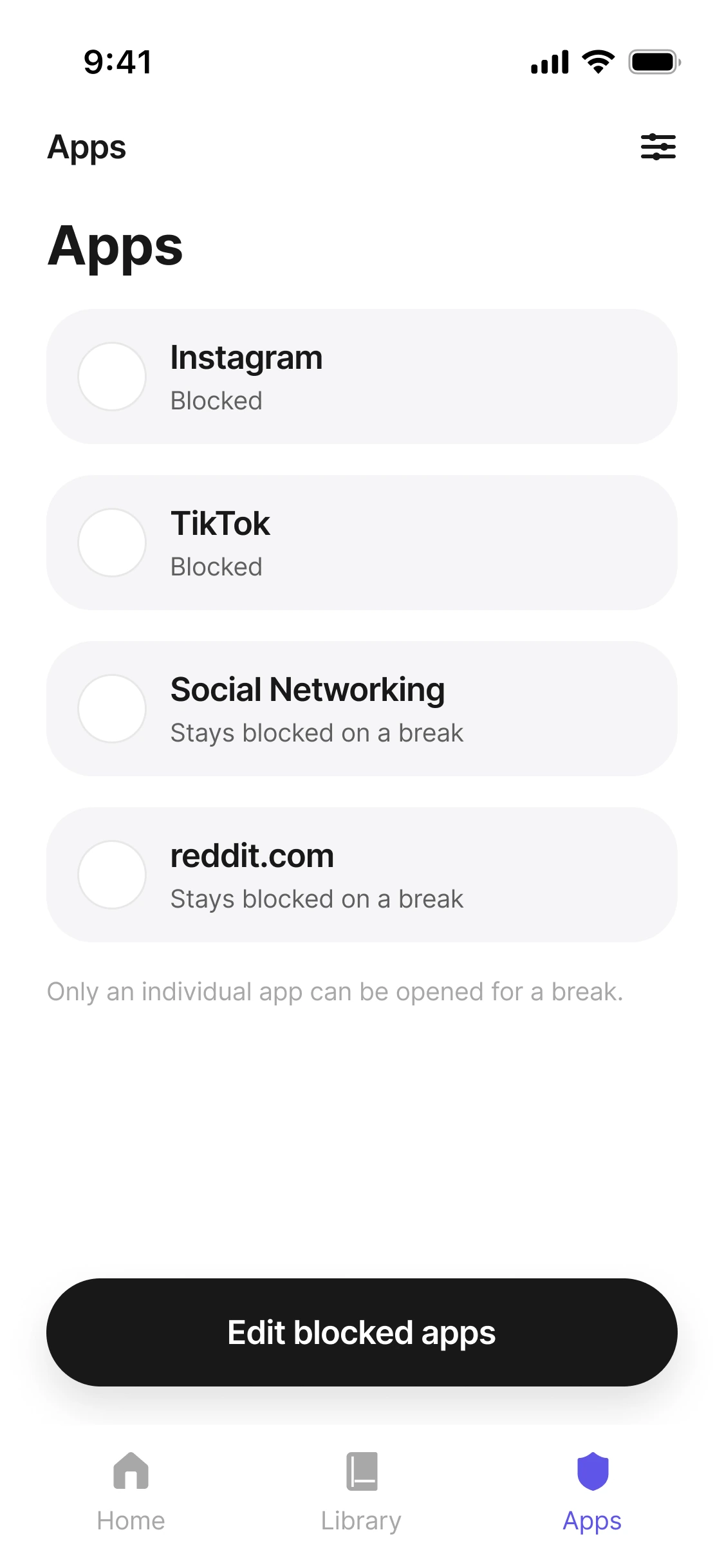
Your notes. Your questions.
Upload your study material and turn it into questions to practise before your next scroll.
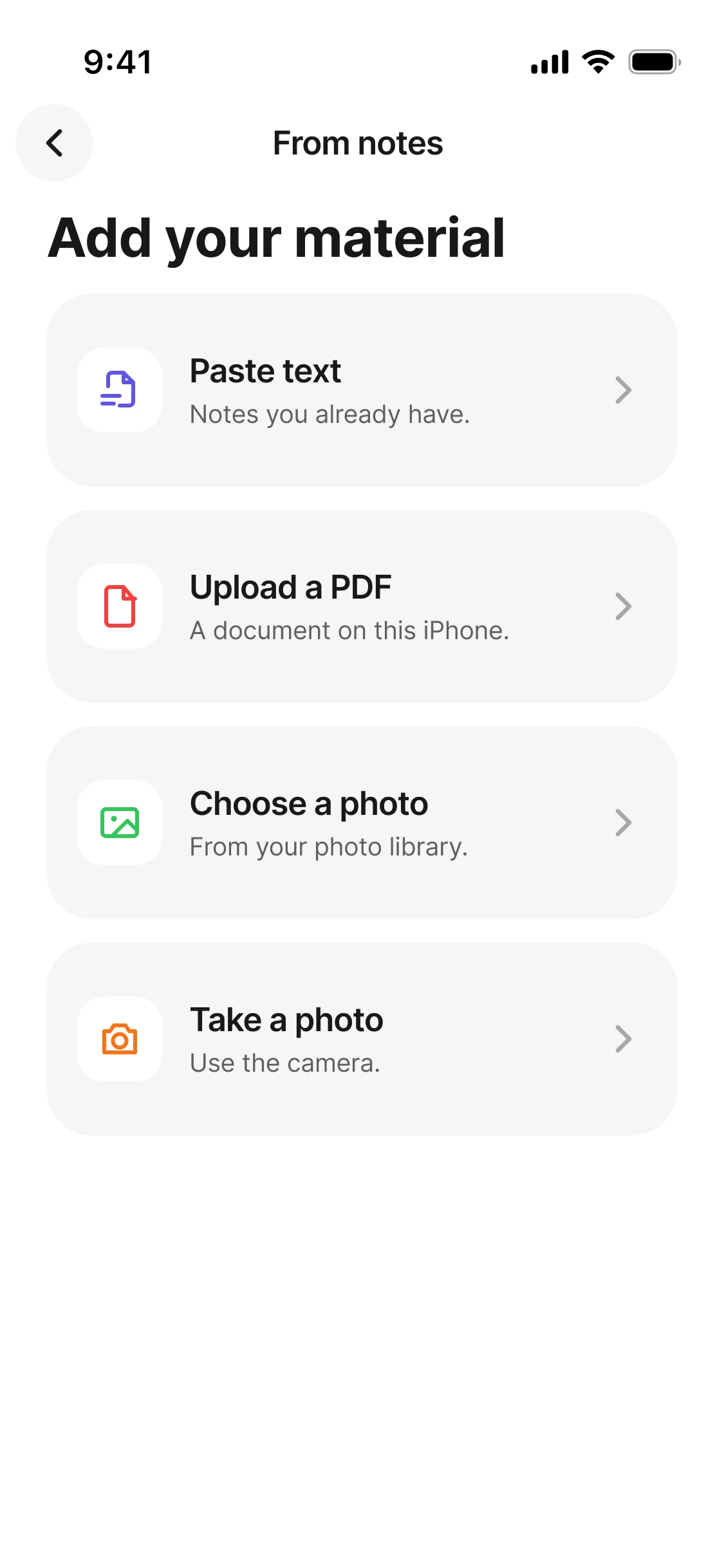
Answer three. Unlock your apps.
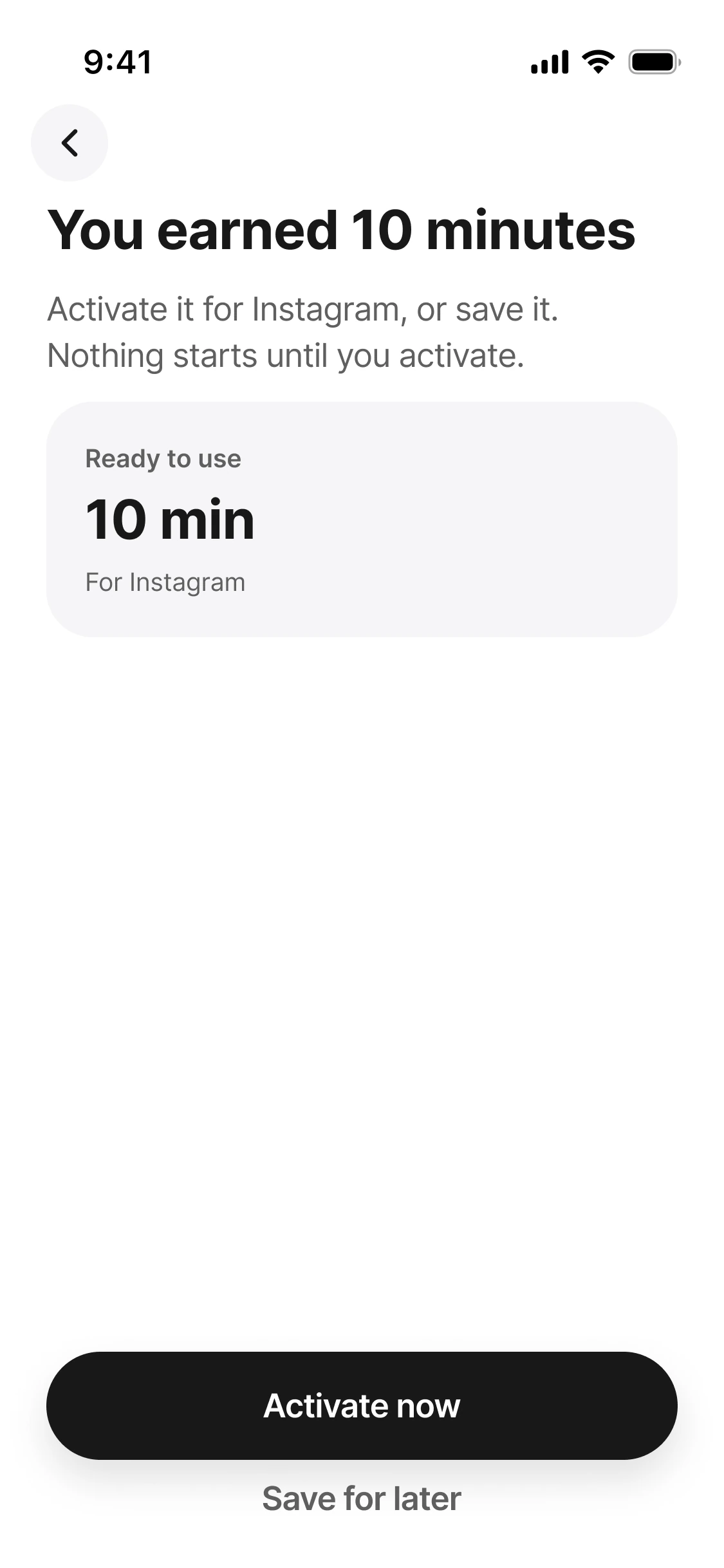
Get three questions right to earn a timed scroll break.
Make the scroll work for you.

Frequently asked questions.
Scroll Tax puts a short study challenge between you and distracting apps. Add your notes, answer questions based on them, and earn a timed unlock.
No. You choose which apps to block, so you can keep the ones you need available.
They’re generated from the study material you add, so you can practise what you want to learn.
Answer three questions correctly to earn a timed scroll break.
Scroll Tax requires a subscription. You can view the available plans and pricing in the app before subscribing.